Block popup windows
Keep new popup windows from interrupting the page you are already using.
NoadBrowser is a Windows browser with a few targeted controls for pages that are difficult to read: popup blocking, page cleanup, and a manual Reader Mode.
A focused browser experiment—not a replacement for your everyday browser.
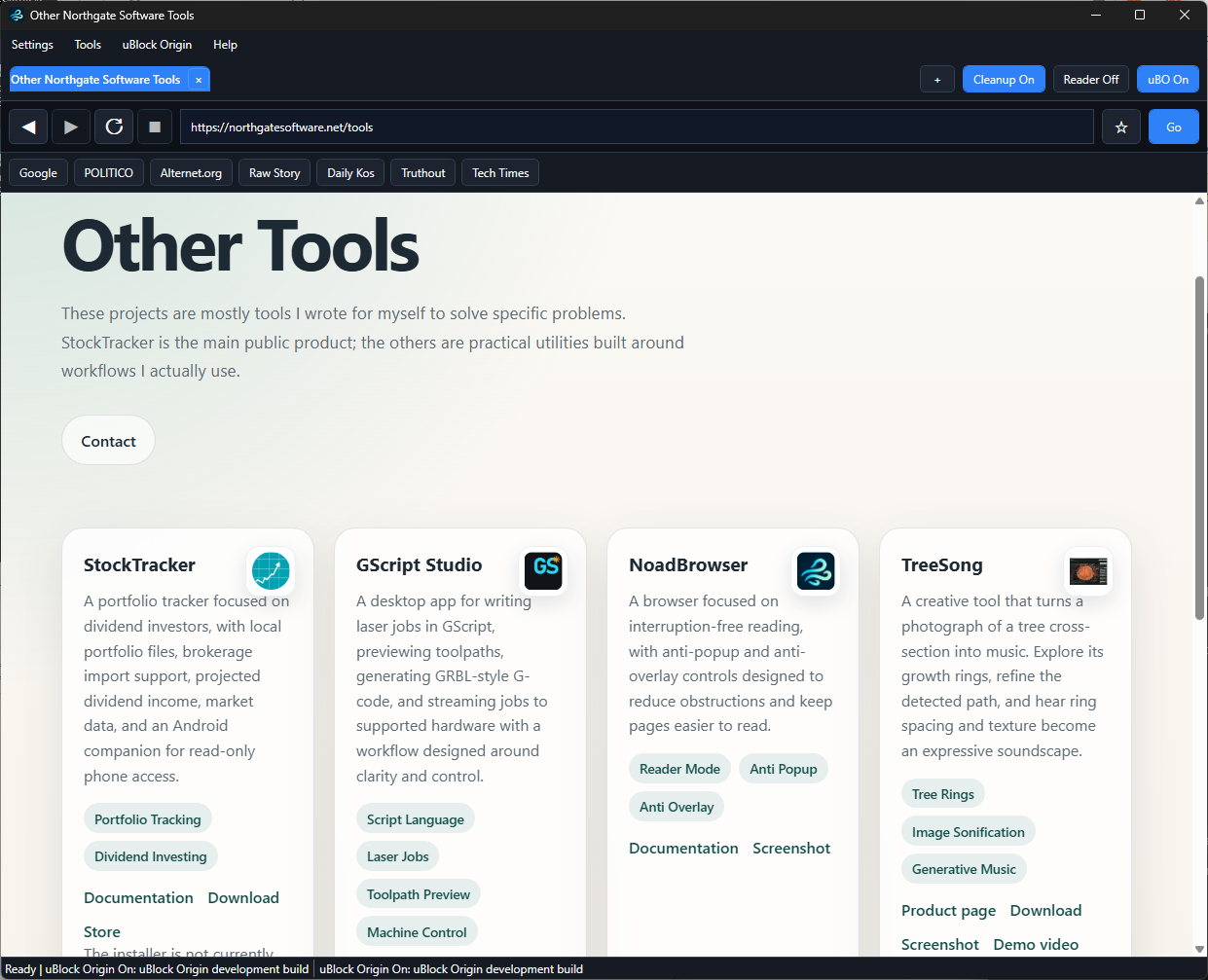
NoadBrowser is a desktop browser made for reducing interruptions that get in the way of reading. It has tools for common obstructions, but leaves the underlying page and your normal browsing choices in view.
It is most useful as a second browser for a particular kind of task: reading an article, reference page, or other site that has become needlessly busy.
NoadBrowser's non-standard features are individual controls, rather than a claim that every web page should be altered the same way.
Keep new popup windows from interrupting the page you are already using.
Use the page-cleanup control to reduce selected overlays and obstructions on the current page.
Open a simpler local reading view when you want to focus on an article's text and links.
NoadBrowser is not trying to replace a mature, general-purpose browser. Some sites can depend on their original layout or scripts, so its cleanup features can be turned off for a page when they get in the way.
Choose a local reading view deliberately; it does not automatically change every page you visit.
Use cleanup where it helps, and disable it for a page that needs its normal interface.
Browse normally with persistent window placement, tabs, and bookmarks alongside the reading tools.
Read the included explanation of Reader Mode and the page-cleanup controls before using them on a site.
Read the NoadBrowser documentation to see whether its small set of controls fits the kind of pages you want to read.
Read the documentation